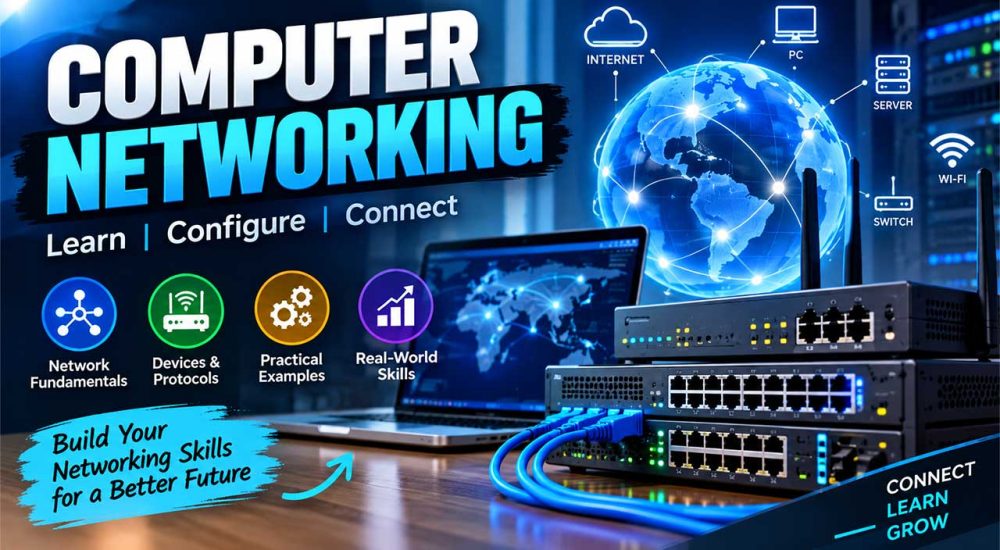
Computer Networking

Home Computer Networking

M. Mudassar
Instructor:

M. Mudassar

Last Update:

September 15th, 2026

(4.00)

Computer Networking

About Course

The Computer Networking course is an applied technical program structured to build capable network technicians and IT support specialists. The curriculum focuses on practical implementation rather than dry theory, guiding students through the fundamentals of data communication, network models (OSI and TCP/IP), and standard networking protocols.

Students spend extensive time in physical labs learning essential hardware skills: identifying network devices, crimping RJ45 cables, punching down patch panels, and setting up managed switches and routers. The course covers IPv4 and IPv6 addressing, subnetting calculations, DHCP/DNS server configurations, and wireless network security. Students also learn how to isolate connectivity faults, perform diagnostic commands, configure basic firewall rules, and maintain secure Local Area Networks (LANs) for corporate offices, schools, and cyber establishments.

  • Key Modules:

    • Networking Fundamentals: Network topologies, LAN/WAN concepts, OSI and TCP/IP reference models

    • Network Hardware & Cabling: Twisted pair cabling (Cat5e/Cat6), RJ45 crimping, patch panels, switches, and routers

    • IP Addressing & Subnetting: IPv4 classes, CIDR notation, subnet masks, variable-length subnetting, and IPv6 basics

    • Routing & Switching Basics: Router initial configuration, VLAN setups, switch management, and NAT

    • Network Services & Protocols: DHCP configuration, DNS resolution, FTP, and basic client-server setups

    • Wireless Networking & Security: Wi-Fi router setup, SSID broadcast, WPA2/WPA3 encryption, and MAC filtering

    • Diagnostics & Troubleshooting: Command-line utilities (Ping, Traceroute, Ipconfig, Netstat), packet tracing, and cable testing

  • Career Scope:

    • Junior Network Technician

    • IT Support Specialist

    • Desktop Support & Systems Assistant

    • Campus / Lab Network Administrator

Show More

What Will You Learn?

  • Understand core networking architectures, topologies, and the 7 layers of the OSI model
  • Crimp Ethernet cables (RJ45), terminate patch panels, and test physical connections
  • Calculate IPv4 subnets, configure IP pools, and manage dynamic IP addressing (DHCP)
  • Configure office routers, managed switches, and secure commercial Wi-Fi access points
  • Diagnose and troubleshoot local connectivity issues using standard CLI network utilities
  • Implement basic firewall policies, MAC filtering, and wireless encryption protocols

Student Ratings & Reviews

4.0
Total 2 Ratings
5
1 Rating
4
0 Rating
3
1 Rating
2
0 Rating
1
0 Rating
7 years ago
It is turning out to be only good for a beginner . I have been expecting a better quality stuff for advance training considering my own 20+ years experience in sales.
7 years ago
This is a great course for anyone looking to get into sales or enhance their sales experience. The instructor is wonderful and engaging. Exceeded my expectations, I highly recommend.

Your Instructor

M. Mudassar

Rs25,000.00 Rs30,000.00

Material Includes

  • Hands-on hardware lab sessions with physical routers, switches, and patch panels
  • Cabling and crimping tools kit access during practical classes
  • Packet Tracer network simulation files and topology diagrams
  • Government-recognized course completion certificate
  • Step-by-step troubleshooting cheat sheets and CLI reference guides

Requirements

  • Basic knowledge of using a desktop computer and Windows operating systems.
  • No prior engineering or advanced math background required; networking concepts start from scratch.
  • Enthusiasm for hands-on hardware handling, cabling drills, and technical problem-solving.

Material Includes

  • Hands-on hardware lab sessions with physical routers, switches, and patch panels
  • Cabling and crimping tools kit access during practical classes
  • Packet Tracer network simulation files and topology diagrams
  • Government-recognized course completion certificate
  • Step-by-step troubleshooting cheat sheets and CLI reference guides

Audience

  • Matric and intermediate students planning to pursue IT support, system administration, or BSIT/BSCS.
  • Office staff, lab attendants, and computer operators who want to manage internal corporate networks.
  • Aspiring hardware and networking technicians seeking entry-level IT employment.
Share This Course
Share Course
Page Link
Share On Social Media